Read the small print in any screenshot.
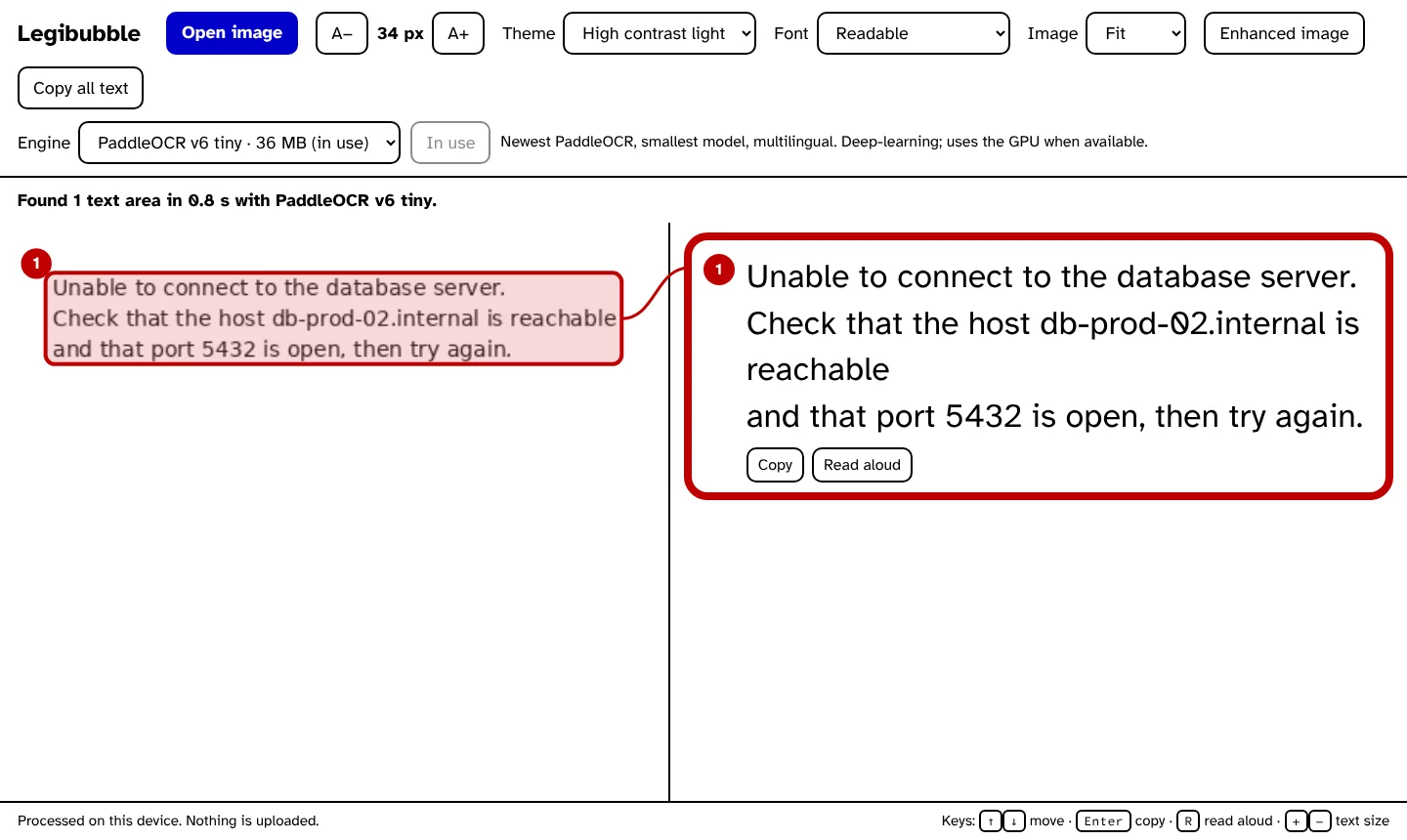
Someone sends you a screenshot and the text is too small to read. Legibubble finds every piece of text in the image and shows it to you large, clear and ready to copy, without uploading the image anywhere.

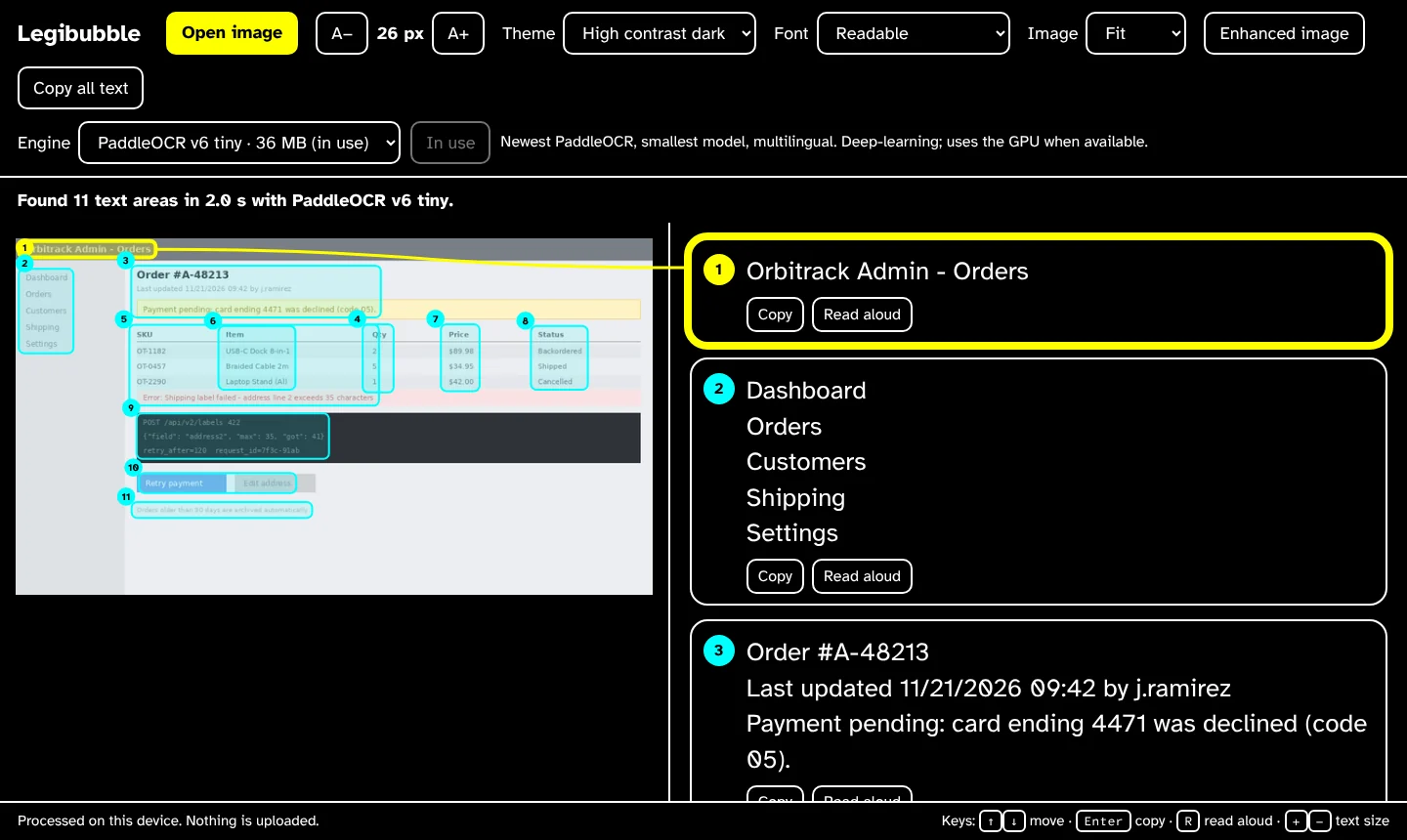
Payment pending: card ending 4471 was declined (code 05).
Coming soon for Windows and Mac. Buy once, no subscription.
Every piece of text, in its own bubble
Open an order screen, an error dialog or a log, and Legibubble lists all of its text at the size you choose. Each bubble is numbered and linked to its place in the image, so you always know where you are.
How it works
-
Open the image
Paste a screenshot, drag one in, or open a file. PNG, JPEG, GIF and WebP all work.
-
Legibubble finds the text
It reads the image on your own computer in about a second, and keeps code indentation, tables and error messages intact.
-
Read, copy or listen
Make the text as large as you like, copy one bubble or everything, or have it read aloud.
Who it's for
People with low vision
Screenshots in chat and email are often the hardest thing to read at work. Legibubble turns them into text you can read comfortably, at any size, in high contrast.
Engineers
Stack traces and error dialogs arrive as pictures. Get the exact text back, with its indentation, ready to search or paste into a ticket.
Support and QA teams
Customers send screenshots of errors and settings. Copy error codes and IDs instead of retyping them.
Your images never leave your computer
Legibubble reads text on your own computer, and works without an internet connection. There is no upload button because there is nowhere to upload to: the app is built so it can't send your images to any server, and your IT team can check that for themselves.
That makes it safe for screenshots of work systems, customer records and anything else that shouldn't end up on someone else's server.
Made for reading
- Text from 14 to 72 pixels, changed with a key press.
- High contrast dark and light themes.
- Atkinson Hyperlegible, a typeface designed by the Braille Institute for low-vision readers, with a monospace version for code.
- Read aloud with your computer's own voices.
- Everything works from the keyboard and with screen readers.